Twitch Emote Resizer
Free. No watermark. No sign-up.
Example Twitch emote
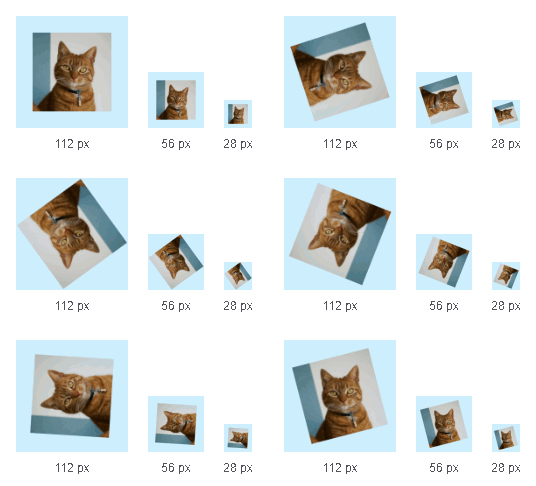
How to resize a Twitch emote
- Press Choose image and pick a picture or a GIF.
- Set Fit, Zoom, Horizontal position and Vertical position until the 28 px emote in the preview still reads.
- Pick what to save under Download and press the button.
Twitch emote resizer settings
Fit: Fit inside shows the whole picture. Fill and crop covers the square and cuts off the edges.
Zoom, from 100 to 300, enlarges the picture. Horizontal position and Vertical position pick the part that shows.
Transparent background keeps empty space and clear parts see-through. Turn it off to fill them with the Background color.
Download: Three sizes in a ZIP (28, 56, 112 px), or One 512 px file for auto-resize. Pictures come out as PNGs, GIFs as GIFs.
Twitch emote sizes and file limits
Emotes are square. With auto-resize, Twitch's default, you upload one image of 112 to 4096 px under 1 MB, and Twitch makes the sizes. With it off, you upload 28, 56 and 112 px versions, each under 100 KB if still.
Animated emotes are GIFs of up to 60 frames: one under 1 MB, or three of at most 512 KB. They must not flash or flicker more than 3 times a second; check that yourself. Animated emote slots are for Affiliates and Partners.
Twitch emote resizer limits
A GIF over 60 frames keeps every 2nd frame, or 3rd, and so on, at the same speed. One over its file limit is made again with stronger compression, then fewer colors and frames, until it fits. The note under the button says if each fits.
Uploaded GIFs over 1000 px on the long side are scaled to 1000 px, and long, large ones can lose frames.