Stamp GIF Maker
Free. No watermark. No sign-up.
Example stamp
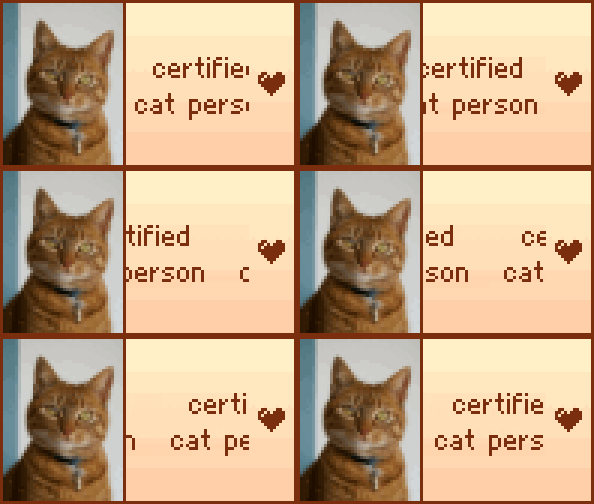
How to make a stamp
- Type one or two short lines of text.
- Pick a font and the colors.
- Add a picture or an icon, and choose an animation.
- Pick a size and press Download GIF.
What is a web stamp?
A stamp is a small graphic with a line or two of text and often a picture, showing something you like on a profile or personal site. 99 x 56 pixels is the classic stamp size on DeviantArt and Neocities.
Stamp settings
Font: Pixel is a tiny pixel font, drawn twice as big when the text fits that way. Bold, Serif, Typewriter and Comic shrink to fit the space.
Background fades from the top into the Second background color at the bottom. Pick the same color twice for a plain background.
Picture fills a strip on the left, cropped to fit, with a line in the border color beside it.
Icon adds a heart, star, music note, flower or smiley in the text color: at both ends of the text, or on the right when there is a picture.
Animation: Blink hides and shows the text. Scroll moves it from right to left and round again. None makes a still GIF.
Size: 99 x 56 px is the standard stamp. The bigger sizes are the same pixels scaled up, so they stay sharp.
Fitting your stamp text
Keep each line to a word or two. A line that doesn't fit is cut off, unless you choose Scroll. The pixel font has letters, numbers and common punctuation. Accents are dropped and emoji are left out.
Where stamps go
Neocities and other personal sites, DeviantArt profiles and forum signatures, often in rows about favorite shows, games, music, pets and fandoms.