Images to GIF
Free. No watermark. No sign-up.
Example GIF made from pictures
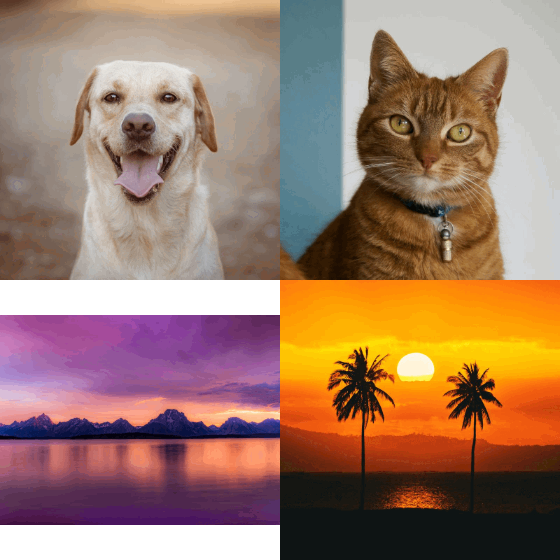
How to make a GIF from images
- Press Choose images and select all the pictures at once. On a computer, hold Ctrl or Shift while you click; on a phone, tap each one.
- Set Seconds per picture.
- Pick the size.
- Press Download GIF.
The order of the pictures
The pictures play in file-name order, and numbers are read as numbers, so frame-2 comes before frame-10. To change the order, rename the files and pick them again. Up to 60 pictures are used; any after that are left out.
Images to GIF settings
Seconds per picture runs from 0.1 to 5. At 0.1 the GIF shows ten pictures a second, which suits frame-by-frame animation. One to three seconds suits a slideshow.
Longest side is 320 to 1000 px. The GIF takes the shape of the first picture and is never made bigger than that picture.
Pictures of a different shape either fit inside the frame with bars around them, or fill the frame with their edges cropped.
Transparent background keeps the see-through parts of PNG pictures see-through, which suits stickers and game sprites. With it off, the Background color fills them, and the bars too.
What to make from still pictures
Stop motion from a run of photos. A slideshow of a trip or a product. An animation from frames drawn in an art program and saved as PNGs. A step-by-step from screenshots.
Which pictures work
JPG, PNG and WebP pictures all work, and they can be mixed. An animated GIF picked here counts as one picture: its first frame.