Happy Birthday GIF Maker
Free. No watermark. No sign-up.
Example birthday GIF
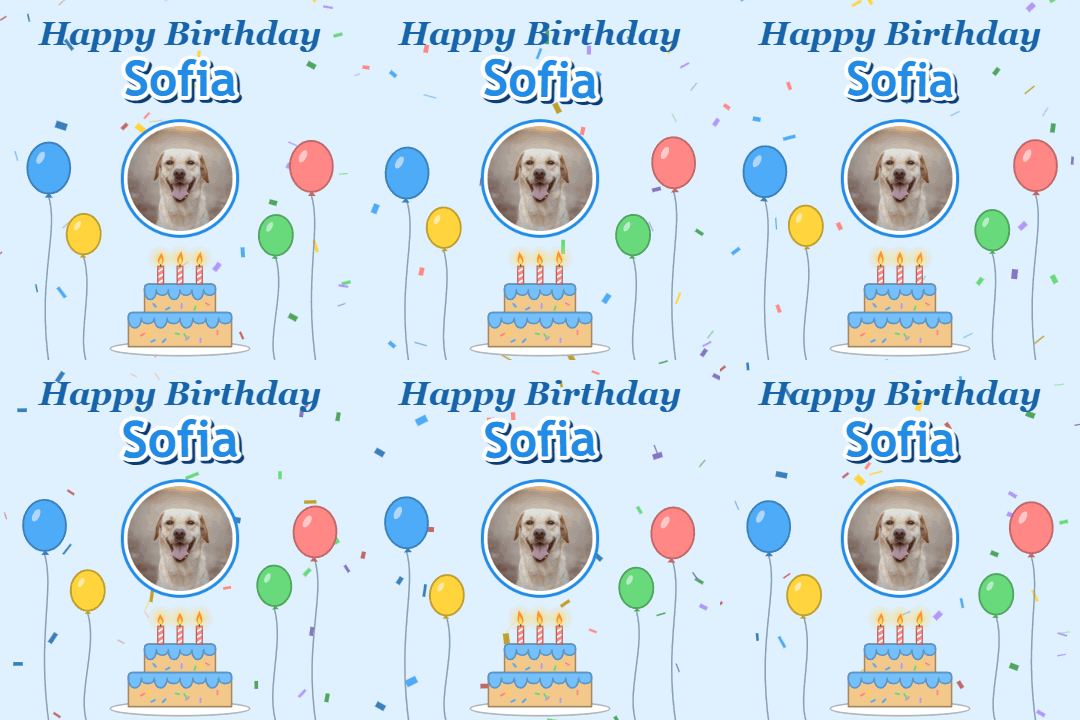
How to make a happy birthday GIF with a name
- Type the name. A long name shrinks or splits onto two lines, so it always fits.
- Press Choose image to add their photo, or turn off Show photo for a card with no picture.
- Pick a color theme.
- Press Download GIF.
You get a happy birthday animated GIF with the name on it, 480 px square. The name pulses, balloons bob, confetti falls and the candles on the cake flicker. It loops without a jump.
Birthday GIF settings
Name takes up to 30 characters, so a full name or "Mom and Dad" fits.
Message is the line above the name. It starts as "Happy Birthday". Change it to "Happy 30th Birthday", "Feliz Cumpleaños" or anything up to 40 characters.
Show photo puts your photo in a round frame in the middle of the card, once you add one. Turn it off and the name and the cake get bigger to fill the space.
Color theme is Pink, Blue, Yellow or Night. Night is a dark card with a gold name.
Adding a photo
For a happy birthday GIF with name and photo, use a close-up. The photo is cropped from the middle into a circle, so keep the face in the center.
Where to send it
Send the GIF in WhatsApp, Messenger or a text, post it in a group chat or on a Facebook wall, or add it to an email. Make one for each person in a family or a team by changing the name and downloading again.