Glitter Text Generator
Free. No watermark. No sign-up.
Example glitter text GIF
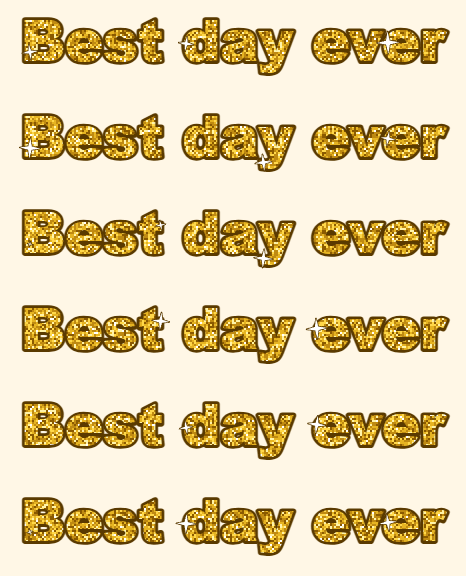
How to make a glitter text GIF
- Type your words into the Text box. Press Enter to start a new line.
- Pick a font, a text size and a glitter color.
- Choose the outline color, and a background if you want one.
- Press Download GIF.
Glitter colors and sparkle
The glitter fills your letters with tiny flakes in five shades of one color: gold, silver, pink or blue. Rainbow runs through the colors from left to right across the text.
The flakes twinkle, and about a third of them flash white. White sparkle stars grow and fade on the letters, with more stars on longer text. The GIF has 12 frames and loops about once a second.
Outline and background
The outline goes around every letter and every sparkle star. Use a dark outline on a light page and a white or pale one on a dark page.
Transparent background is on to start with, so the glitter GIF sits on any page or chat color. Turn it off to pick a solid background color.
Text, fonts and size
You can type up to 60 characters on up to three lines. The GIF is cut to fit the text and is never wider than 480 px, so a long line is made smaller until it fits.
Bold and Poster have the thickest letters and show the most glitter. Script and Comic give the look of the glitter graphics from old profile pages.
What to make with a sparkle text GIF
Names, birthday and holiday greetings, profile and blog headers, comments and chat stickers.