Shake GIF Maker
Free. No watermark. No sign-up.
Example shaking GIF
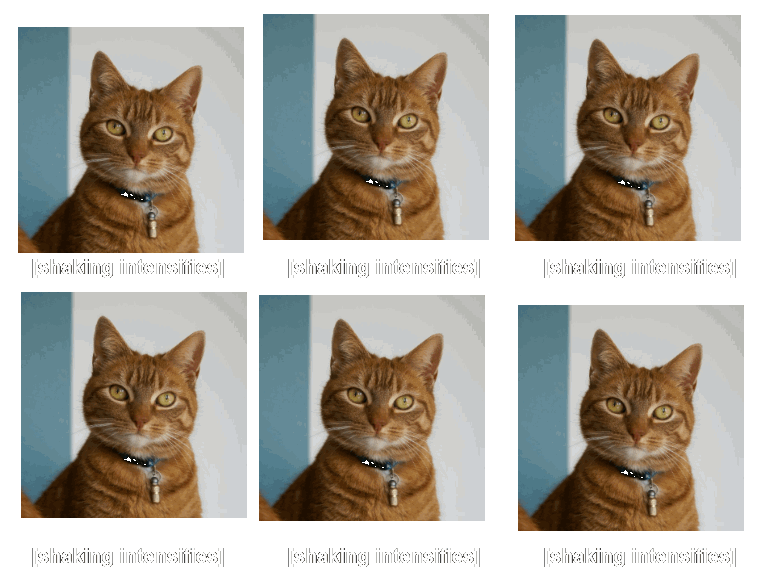
How to make a shaking GIF
- Press Choose image and pick a picture.
- Set the intensity and the speed.
- Type a caption if you want one, such as "[shaking intensifies]".
- Pick a size and press Download GIF.
Shake settings
Intensity is how far the picture jumps on each frame. Low gives a nervous tremble. High throws it around.
Speed is how quickly it jumps from one spot to the next.
Caption is optional and holds up to 40 characters. It sits under the picture in white letters with a black outline, and it stays still while the picture shakes.
Size is the longest side of the GIF: 128, 256 or 384 px. A caption adds its own strip underneath.
Transparent background is on by default. Turn it off to pick a solid color.
Making an "intensifies" GIF
The intensifies meme is a picture shaking hard over a caption in square brackets. Upload a face or an emote, raise the intensity and type the caption: "[anger intensifies]", "[hunger intensifies]" or your own. For a Discord or Slack emoji, use the 128 px size and leave the caption empty, because text that small is hard to read.
What a shaky GIF is good for
Rage, fear, cold, excitement, a phone on vibrate, a speaker with the bass turned up. A cutout PNG shakes on its own. A photo shakes as a whole rectangle. The shake is ten frames long and then repeats.