Jiggle GIF Maker
Free. No watermark. No sign-up.
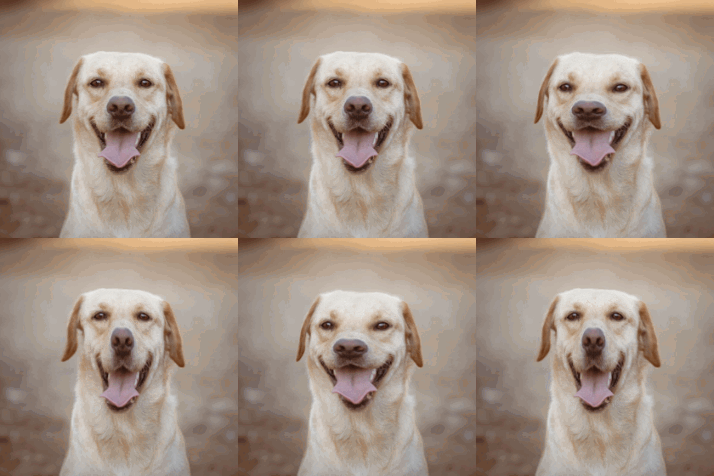
Example jiggle GIF
How to make a jiggle GIF
- Press Choose image and pick a photo or a PNG.
- Move the circle onto the part you want to jiggle with the Horizontal position and Vertical position sliders.
- Set the wobble size, the strength and the speed.
- Press Download GIF.
What the jiggle effect does
Everything inside a round area wobbles like jelly. It squashes wide, stretches tall and sways from side to side, while the rest of the picture stays still. The movement is strongest in the middle and fades to nothing at the edge of the circle, so there is no seam. The GIF has 18 frames and loops smoothly.
The dashed circle in the preview shows the area. It is not part of the GIF.
Jiggle settings
Horizontal position and Vertical position put the middle of the circle anywhere on the picture, from 0 to 100 percent across and down.
Wobble size is the radius of the circle, as a percentage of the picture's shorter side. Make it a little bigger than the part you want to move, so its outline wobbles too.
Strength is how far it squashes and sways.
Speed runs from about 2.3 seconds a loop at 1 to under a second at 10.
What to jiggle
Cheeks, bellies, a pet's face, a dessert, a cartoon character or a logo. Jiggle GIFs make good reactions, stickers and emotes.
Picture size and transparency
The GIF keeps your picture's shape. Pictures bigger than 480 px on the longest side are scaled down to 480 px. A PNG with a transparent background stays transparent.