Search Bar GIF Maker
Free. No watermark. No sign-up.
Example search bar GIF
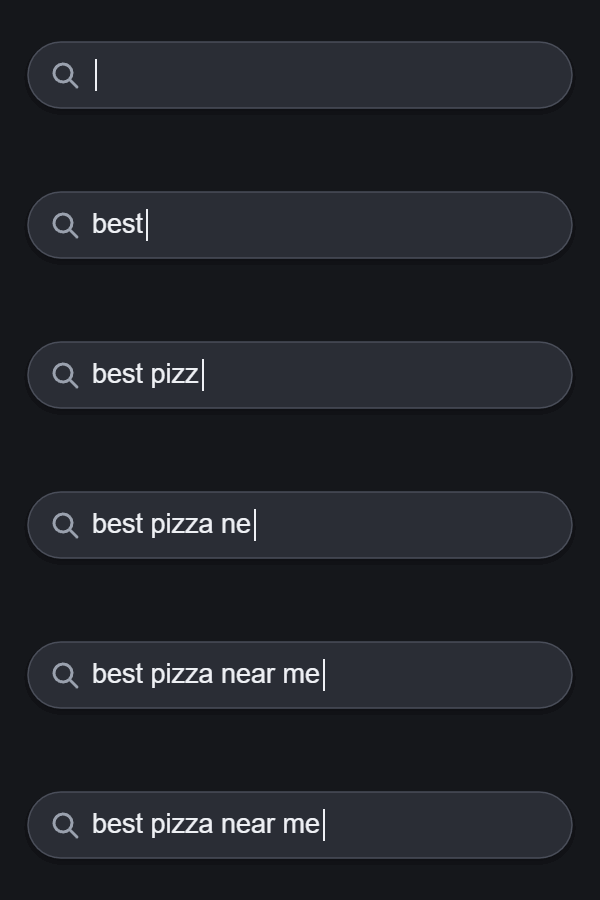
How to make a search bar GIF
- Type the search you want to show into the Search text box.
- Pick the light or dark theme.
- Set the typing speed and the width.
- Press Download GIF.
What the search bar GIF maker draws
A rounded search bar with a magnifying glass. The bar starts empty, your search is typed in one letter at a time, and the cursor blinks twice at the end before the GIF starts over. There is no logo or brand name on the bar, so it fits any video, slide or website.
Search bar settings
Typing speed is letters per second, from 2 to 20. Around 8 looks like a person typing.
Theme: Light is a white bar on pale gray. Dark is a dark gray bar on near black.
Width is 400, 600 or 800 px. The height is always a quarter of the width, and the bar and the text scale with it.
Long searches
You can type up to 60 characters. When the text gets longer than the bar, it slides to the left so the last letters and the cursor stay in view, the way a real search box does.
Where a typing search GIF gets used
Video intros and explainers, slides, tutorials, website headers, and social posts that open with a question. Pick the width closest to the size it will be shown at, so the text stays sharp.