Petpet GIF Maker
Free. No watermark. No sign-up.
Example petpet GIF
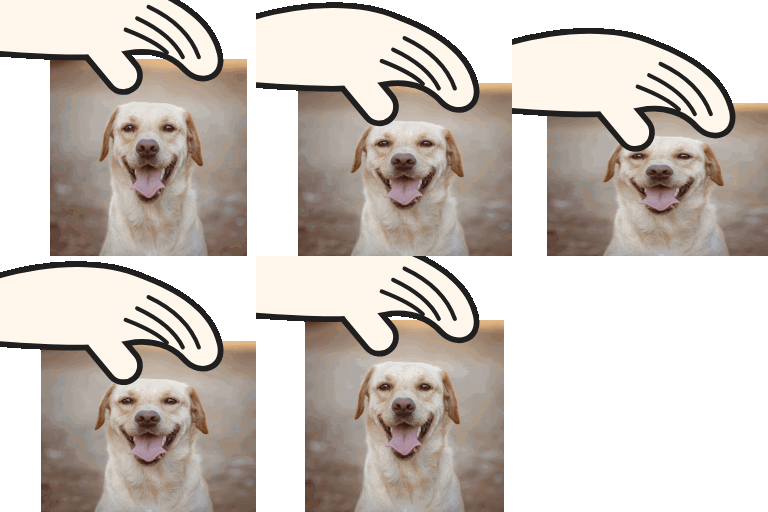
How to make a petpet GIF
- Press Choose image and pick a picture. Avatars, pet photos and drawings all work.
- Set the speed and the squish.
- Pick a size.
- Press Download GIF.
What is a petpet GIF?
A petpet is a looping GIF of a hand patting a picture, which squishes a little with every pat. You'll also see it called a headpat, petting or "pet the" GIF. People make them of friends' avatars, pets and favorite characters.
Petpet settings
Squish is how far the picture flattens under the hand. At zero the hand pats and nothing squashes.
Speed is how fast the hand moves, from a slow stroke to a frantic pat.
Size is 112, 256 or 480 px. 112 px is the classic petpet emote size.
Transparent background is on by default, so the GIF sits cleanly on any chat background. Turn it off to pick a solid color.
Making a Discord emoji
Choose 112 px and keep the background transparent. Discord takes emoji files up to 256 KB, and a 112 px petpet comes out well under that.
Which pictures work best
Square pictures fit the frame best. A PNG with the background already removed looks cleanest, because only the subject gets patted. Wide or tall pictures are kept whole and sit at the bottom of the frame.