Rainbow GIF Maker
Free. No watermark. No sign-up.
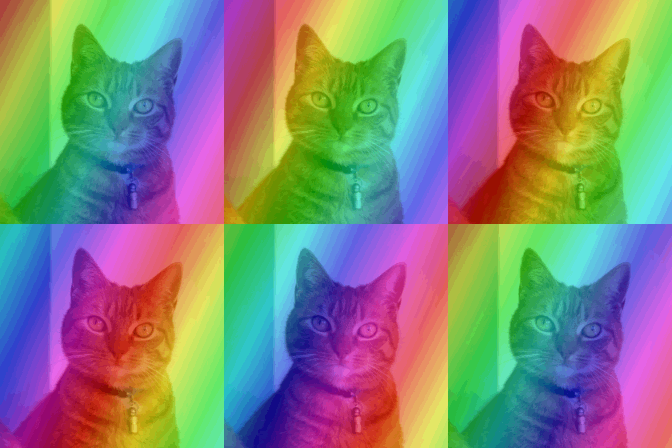
Example rainbow GIF
How to make a rainbow GIF
- Press Choose image and pick a picture or a GIF.
- Pick a mode: Rainbow sweep or Hue cycle.
- Set the strength and the speed.
- Press Download GIF.
Rainbow modes
Rainbow sweep lays a rainbow over the picture in slanted stripes and slides it across. It tints everything, including black, white and gray.
Hue cycle turns the picture's own colors around the color wheel together. Red becomes yellow, then green, blue and purple, and ends back at red. Black, white and gray have no color to turn, so they stay as they are.
Rainbow settings
Strength in Rainbow sweep is how much rainbow is mixed in. Even at the top, the picture still shows through. In Hue cycle it is how far the colors move from the originals.
Speed is how long one trip through the rainbow takes, from 4 seconds down to 0.6.
How the rainbow loops
A still picture becomes a loop of 12 to 24 frames that ends where it began, so it repeats without a jump. A GIF keeps its own frames and timing. The rainbow goes around a whole number of times over the GIF, so it doesn't jump when the GIF repeats.
Tips for a rainbow GIF
For black-and-white pictures, line art and text, use Rainbow sweep. Hue cycle needs color to work with.
The GIF keeps your picture's shape, up to 480 px on the longest side. A transparent PNG or GIF stays transparent, which suits a rainbow emoji or sticker.