Discord Sticker Maker
Free. No watermark. No sign-up.
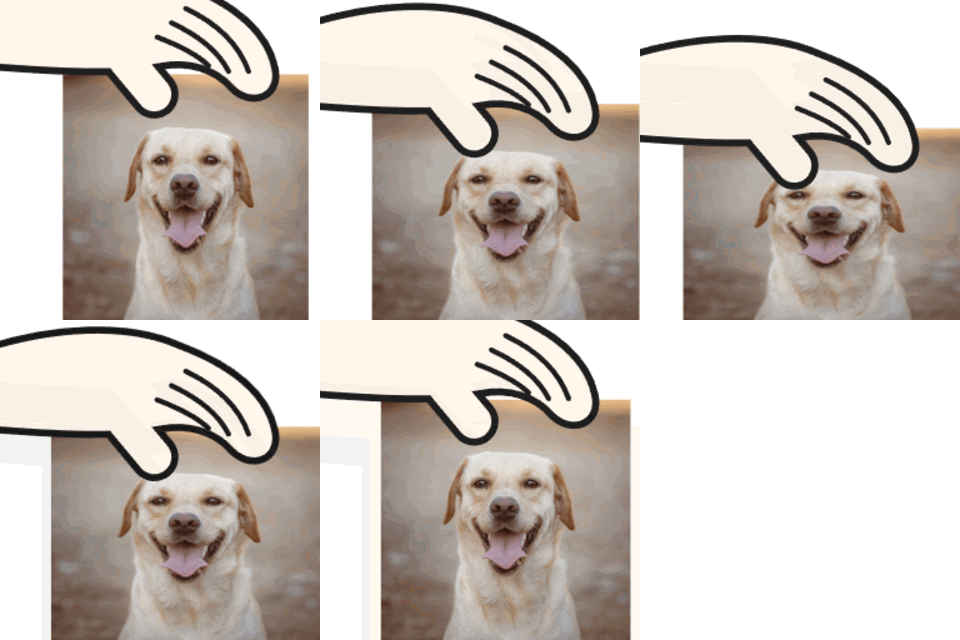
Example Discord sticker
How to make a Discord sticker
- Press Choose image and pick a GIF or a picture.
- Choose Fit inside or Fill and crop.
- Keep Transparent background on, or turn it off and pick a color.
- Under Save as, pick Animated GIF or Still PNG, then press the Download button.
Discord sticker settings
Fit: Fit inside shows the whole picture, with empty space beside it if it isn't square. Fill and crop covers the square and cuts off the edges.
Transparent background keeps that empty space, and any see-through parts of the GIF, see-through. Turn it off to fill them with the Background color.
Save as: Animated GIF keeps the movement. Still PNG saves the first frame.
Discord sticker size and limits
Discord stickers are exactly 320 x 320 px and 512 KB at most, and the tool always makes that size. Still stickers are PNG files; animated ones can be APNG or GIF. Animated stickers are limited to 5 seconds, so only the first 5 seconds of a GIF are kept.
If the GIF comes out over 512 KB, the tool makes it again with fewer colors, then fewer frames, until it fits. The line under the button gives the final size.
What to make a Discord sticker from
A pet clip, a friend pulling a face, your own drawing, or a cutout with the background removed, which looks cleanest with Transparent background on.
Discord sticker maker upload limits
A GIF larger than 1000 px on its long side is scaled down to 1000 px. A GIF with more than 300 frames is thinned to 300 or fewer, and a long GIF at a large size can be thinned further.