Pixelated GIF Maker
Free. No watermark. No sign-up.
Example pixelated GIF
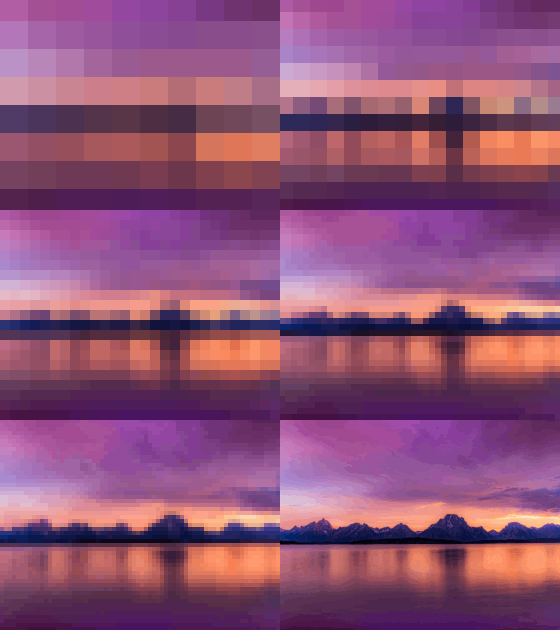
How to make a pixelated GIF
- Press Choose image and pick a picture or a GIF.
- Pick a mode: Steady, Reveal or Hide.
- Set the block size.
- Press Download GIF.
Pixelation modes
Steady pixelates at one block size. Every frame of a GIF is pixelated, and the GIF plays at its own speed. A still picture comes out as a single pixelated frame.
Reveal starts blocky and sharpens step by step until the picture is clear.
Hide runs the other way, from sharp to blocky.
Block size and speed
Block size is the width of each square, from 2 to 64 px. Small blocks keep the picture readable. Big blocks hide almost everything. In Reveal and Hide it sets the blockiest frame.
Speed shows in Reveal and Hide. On a still picture it is how fast the steps go by. On a GIF the change is spread over the GIF's own frames, and a higher speed finishes it earlier.
What to make with a pixel GIF maker
Use Reveal for a guess-the-picture game or to tease an announcement. Use Hide to end on a censored look. Use Steady to hide a spoiler or to give a GIF a blocky 8-bit look.
Tips for a pixelated GIF
The whole picture is pixelated. There is no way to pixelate only one part of it.
The GIF keeps the shape of your picture, up to 480 px on the longest side. A transparent PNG or GIF stays transparent.