Bouncing GIF Maker
Free. No watermark. No sign-up.
Example bouncing GIF
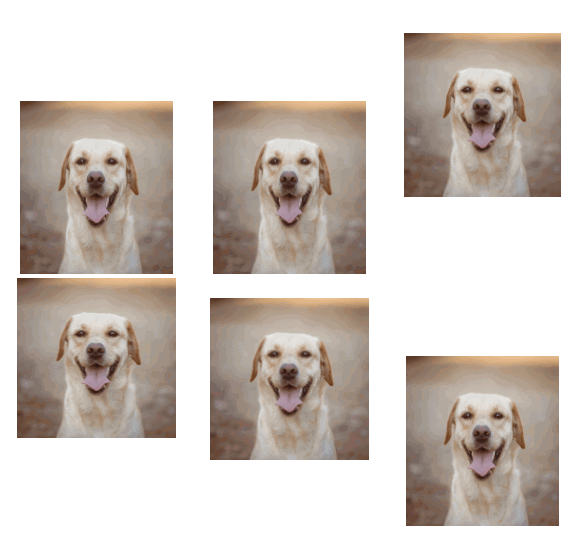
How to make a bouncing GIF
- Press Choose image and pick a picture. Logos, stickers, faces and emoji all work.
- Set the bounce height, the speed and the squash.
- Pick a size.
- Press Download GIF.
Bounce settings
Bounce height is how high the picture jumps. At the top setting it rises by the length of its longest side.
Speed is how long one bounce takes, from a slow 1.6 seconds to a quick 0.4.
Squash is how much the picture flattens when it lands and stretches while it flies. At zero it keeps its shape and bounces like a hard ball.
Size is the longest side of the picture: 96, 160 or 224 px. The GIF is a little bigger than that, to leave room for the jump and the squash.
Transparent background is on by default. Turn it off to pick a color. The picture then also gets a shadow on the ground.
What to make with a bounce GIF maker
A bouncing logo for a stream overlay or a loading screen. A bouncing emoji or sticker for Discord and Slack. A friend's face bouncing in a group chat. The last frame leads straight back into the first, so the loop has no seam.
Which pictures bounce best
A PNG with the background removed looks best, because only the subject bounces. A photo with a background bounces as a whole rectangle. For an emoji, pick Small and keep the background transparent.