Glitch GIF Maker
Free. No watermark. No sign-up.
Example glitch GIF
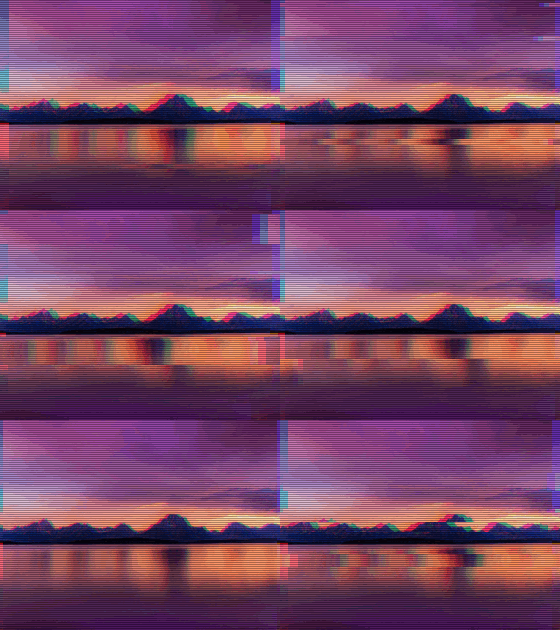
How to make a glitch GIF
- Press Choose image and pick a picture or a GIF.
- Set the intensity and the color split.
- Turn scanlines on or off and set the speed.
- Press Download GIF.
What the glitch effect does
Strips of the picture jump sideways, the red and blue slide apart, and dark scanlines run across it like an old screen. The damage comes in bursts, with calmer frames in between.
A still picture becomes an 18-frame loop. A GIF keeps its own frames and timing, and the glitch is added to every frame.
Glitch settings
Intensity is how many strips jump, how far they go and how often a burst hits.
Color split is how far the red and blue move apart. At zero the colors stay together and only the strips move.
Scanlines adds the dark horizontal lines. Turn it off for a cleaner picture.
Speed is how often the glitch changes, from 5 times a second to 25.
What to glitch
Glitch an avatar, a logo, a title card or a meme for a cyberpunk, vaporwave or horror look. Text and hard-edged shapes show the color split best, because the red and blue fringes need a sharp edge to stand out.
Tips for a glitch GIF
The GIF keeps your picture's shape, up to 480 px on the longest side. A transparent PNG or GIF stays transparent, and the color fringes spill past its edges.
On a fast GIF, a low speed holds each glitch over several frames, so it reads instead of flickering.