Heart Locket GIF Maker
Free. No watermark. No sign-up.
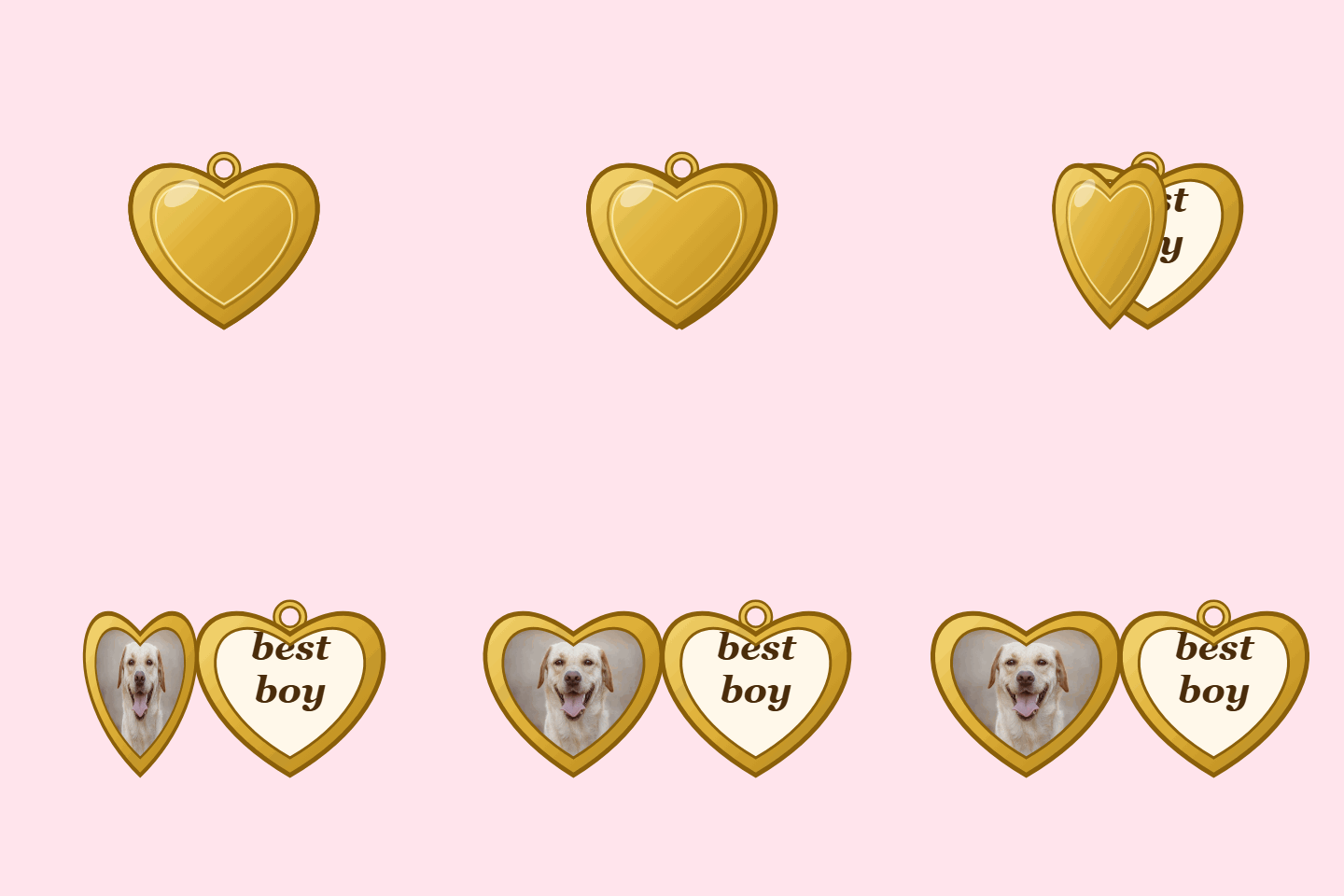
Example heart locket GIF
How to make a heart locket GIF
- Press Choose image and pick the photo for the left side.
- Set the right side to Text or Photo.
- Type your words, or add the second photo.
- Press Download GIF.
The locket starts closed, swings open, and stays open long enough to read before it loops. The GIF is 480 px square.
What to put inside
The "my beloved" meme. A picture on the left and "my beloved" on the right. It works for a person, a pet, a game character or a slice of pizza.
A couple or two friends. Switch the right side to Photo and put one face in each half.
A pet. Their best photo on the left and their name on the right.
A gift. Their photo with a name, a date or a few words. People send these for birthdays, anniversaries and Valentine's Day.
Tips for a good locket
- Use a close-up. Photos are cropped from the middle into a heart, so keep the face in the center.
- Keep the text short. Up to three lines fit, and the letters get smaller as you add more.
- Turn on Transparent background to drop the locket onto any chat or page, or pick a background color to match where it's going.