Discord PFP GIF Maker
Free. No watermark. No sign-up.
Example Discord profile picture GIF
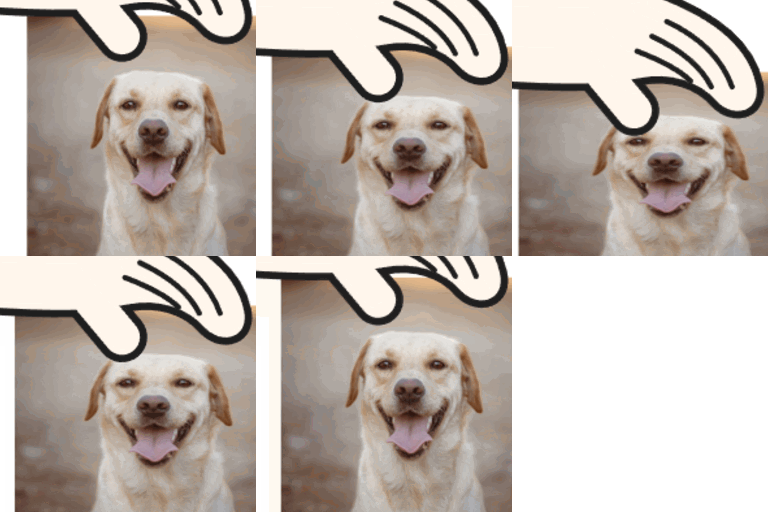
How to make a Discord PFP GIF
- Press Choose image and pick a GIF or a picture.
- Pick a Size: 128, 256 or 512 px.
- Move Zoom, Horizontal position and Vertical position until what you want sits inside the circle.
- Press Download GIF.
Discord PFP GIF settings
Size is the width and height of the square GIF. 512 px is the sharpest and makes the biggest file.
Zoom runs from 100 to 300. At 100 you get the biggest square the picture holds. Higher numbers take a smaller square and enlarge it.
Horizontal position and Vertical position move that square across the picture, from 0 at the left or top to 100 at the right or bottom.
Transparent background only matters for a GIF with see-through parts. On, they stay see-through. Off, they are filled with the Background color.
The circle in the Discord PFP preview
Discord shows profile pictures in a circle, so the preview darkens the corners outside it and outlines it. That is only a guide: the download is the whole square, corners included. Keep faces and writing inside the circle.
What makes a good animated PFP
A face or a character close up, a pet, or a short loop that ends where it starts. Small details get lost at that size, so zoom in. Animated profile pictures need Discord Nitro.
Discord PFP GIF limits
The GIF keeps its frames and timing. A still picture comes out as a one-frame GIF. A GIF larger than 1000 px on its long side is scaled down to 1000 px, and one with more than 300 frames is thinned to 300 or fewer. A long GIF at a large size can be thinned further.