Fire Text GIF Generator
Free. No watermark. No sign-up.
Example fire text GIF
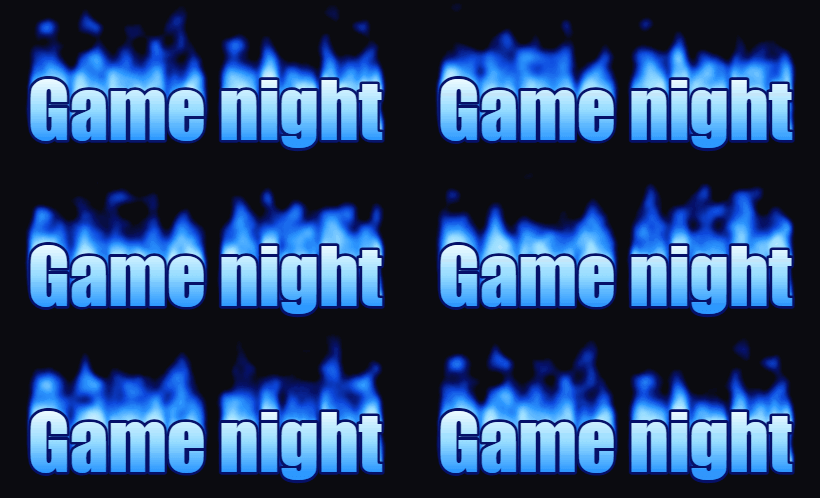
How to make a fire text GIF
- Type your words into the Text box. Press Enter to start a second line.
- Pick a font and a text size.
- Choose a flame color and a background color.
- Press Download GIF.
What the fire text generator makes
You get your text on fire: bright letters with animated flames rising from the top of each one. The GIF has 28 frames and loops without a jump, so the burning text keeps going for as long as it is on screen.
Fire text settings
Text takes up to 40 characters on one or two lines. The GIF is never wider than 480 px, so a long line is made smaller until it fits.
Font: Poster and Bold have thick, heavy letters. Serif and Typewriter have thinner strokes, so their flames are thinner too.
Flame color is orange, blue, green or purple. The letters are colored to match the flames.
Background starts out near black, which is where fire shows best. You can change it to any color.
Tips for flaming text
Flames need room. Use few words and a big text size, and split a longer phrase over two lines. A dark background makes the fire look hotter. Blue flames on black look like a gas burner, and green or purple look like magic fire.
Where a flaming text GIF gets used
Stream overlays and alerts, Discord and forum posts, clan and team names, party invitations, video titles and retro web pages.