GIF Meme Maker
Free. No watermark. No sign-up.
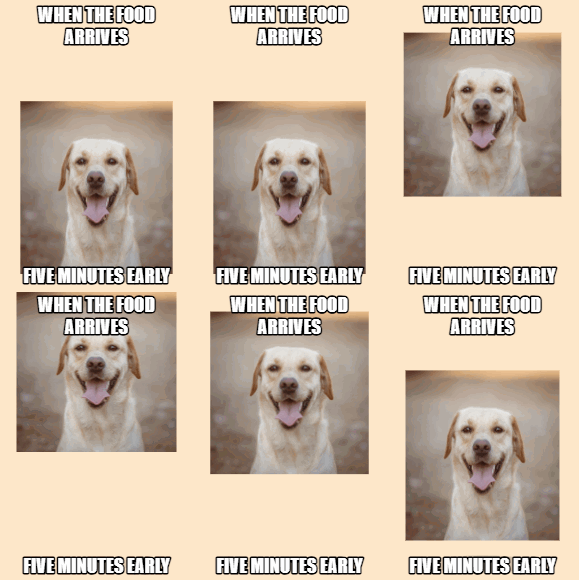
Example meme GIF
How to make a GIF meme
- Press Choose image and pick a GIF or a picture.
- Type the top text and the bottom text. Leave one empty if you only want the other.
- Set the text size and the text color.
- Press Download GIF.
What the GIF meme maker does
It puts your top and bottom text over every frame of the GIF. The words stay still while the GIF plays underneath at its own speed.
It is a GIF and meme maker in one. Upload a still picture, such as a JPG or PNG, and the meme comes out as a one-frame GIF.
Text settings
Top text and Bottom text take up to 120 characters each. Long text wraps onto more lines and gets smaller so it fits the picture.
Text size is measured against the width of the picture, so one setting looks the same on a small GIF and a big one.
Uppercase is on to start with. That gives the classic meme style: heavy white capitals with a black outline. Turn it off to keep the letters as you typed them.
Text color changes the fill. Light colors keep the black outline. Pick a dark color and the outline turns white, so the words still stand out.
Tips for a meme GIF
Keep it short. A GIF loops fast, so a few words on top and a punchline at the bottom are easier to read than a full sentence. If the words cover the subject, lower the text size.
GIFs and pictures larger than 480 px are scaled down to 480 px on the long side. GIFs with more than 120 frames are thinned to 120 or fewer and keep their length. A GIF with a transparent background stays transparent.